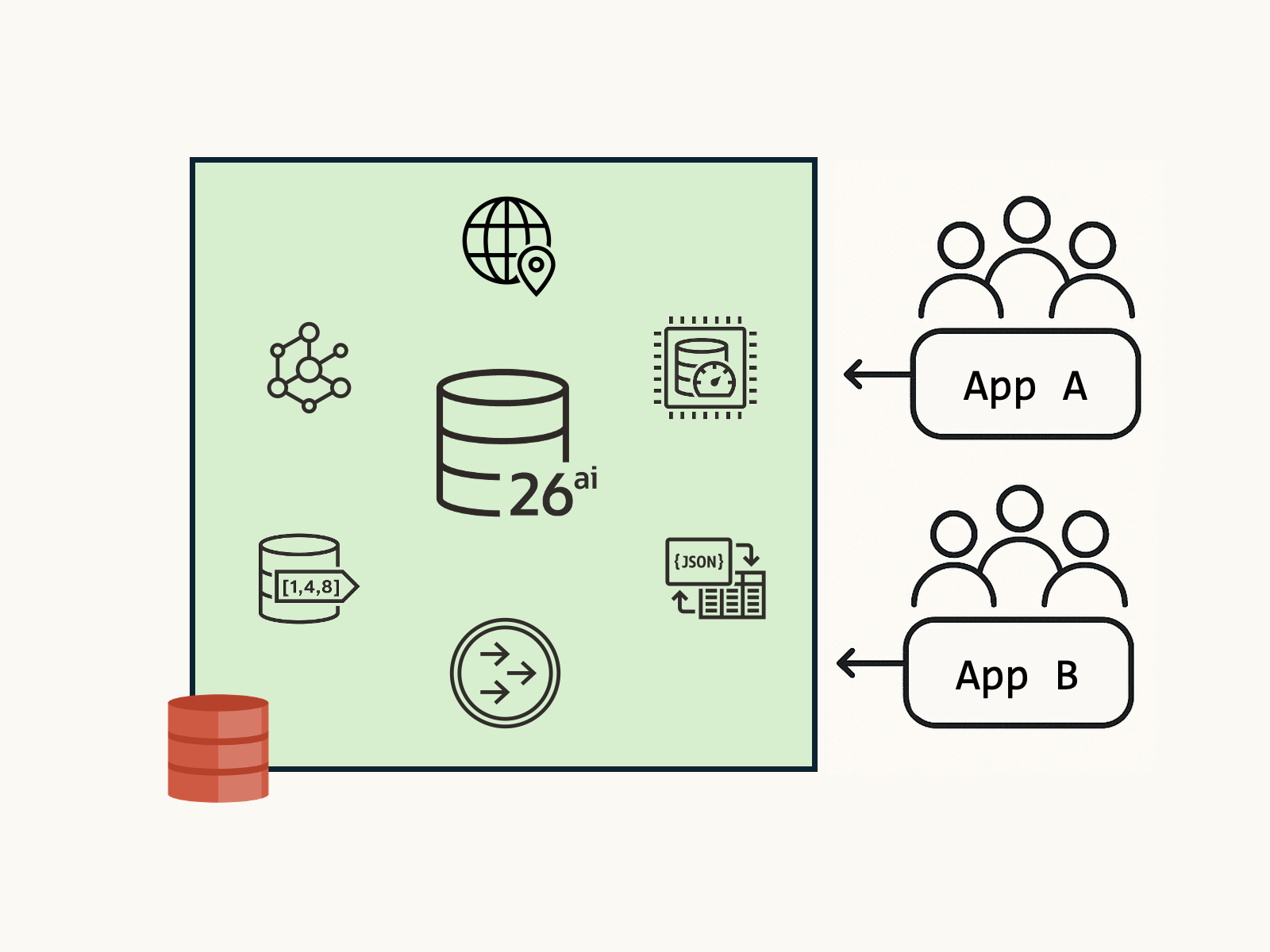
Most apps rarely fit a single data model. A single business action can touch JSON documents, update a graph, write spatial coordinates, process vector embeddings, and publish events to downstream services, all within the same database.
However, not all work is equal – A millisecond OLTP order update shouldn’t wait for a long-running vector similarity scan. Explicit control over where work runs and how much resource it can consume preserves latency for critical transactions while still getting the most out of your multi-model database.
In this article, we’ll explore different ways to achieve this:
What priority and isolation buys you: A vector search or graph traversal can run with lower priority on a designated instance, with capped CPU/IO/parallelism and automatic queuing, while OLTP maintains predictable p99 latency under load. You still get ACID across models: JSON, spatial, graph, vectors, and TxEventQ participate in one transaction boundary, but the platform enforces “who goes first”, how, and where so your app stays responsive.
Node-level Isolation
In a multi-node RAC (Real Applications Clusters) setups, you isolate sessions to a specific node by connecting through a service that runs on that instance. This allows you to run specific transactional workloads on dedicated nodes as needed.
For example, expensive vector queries on a subset of your database cluster, with optional failover configured via the connection/service settings. Connection affinity offers an advanced way to target specific RAC instances with run-time load balancing.
Cache Fusion (GCS/GES) maintains data consistency across the cluster by enforcing buffer cache coherency; queries see a consistent view using SCNs and undo.
Pluggable Databases (PDBs)

Within a CDB (Container Database), you can initialize PDBs with resource constraints on CPU, memory, and disk I/O operations. Some common configuration options for PDBs include:
CPU_COUNT | Specify the amount of database CPUs. |
SGA_TARGET | Maximum System Global Area (SGA) memory for the database. |
PGA_AGGREGATE_LIMIT | Maximum Program Global Area (PGA) memory for the database. |
MAX_IOPS | Maximum number of I/O operations for each second. |
MAX_MBPS | Maximum MB/s for I/O operations. |
Much of the system configuration and limits available at the CDB level are also available in the PDB – allowing you to cleanly define and isolate workloads within a given database.
- Find the list of database initialization parameters here.
- Read more about CDB and PDB management here.
Oracle Resource Manager, Service Names and Consumer Groups
You set resource priorities and limits (CPU, I/O, parallelism, queuing) by mapping client service names to database consumer groups that enforce resource plans. Each consumer group corresponds to a priority and level of resources.
Autonomous AI Database comes with pre-defined service names and consumer groups (e.g., TPURGENT, TP, HIGH, MEDIUM, LOW), but if you’d like to define your own, that’s where Resource Manager and the DBMS_RESOURCE_MANAGER and DBMS_SERVICE PL/SQL packages come in.
I’ll publish a Resource Manager getting-started guide instead of including a full example here, as it’s a bit complex. For now check out the official Resource Manager and PL/SQL documentation:
Observability

Transaction control helps mitigate problems, but how do you identify problems in a running environment? Oracle AI Database Metrics Exporter provides de-facto standard OpenTelemetry logs and metrics for databases, allowing you to monitor in real time. The metrics exporter is free and open-source: check out the documentation to get started, or view the code on GitHub.
Wrapping Up
Workload isolation and resource limitations give each application or microservice predictable performance, while a single multi-model transactional database safeguards data integrity, security, and consistency across JSON, graph, spatial, vectors, and events.
Leave a Reply