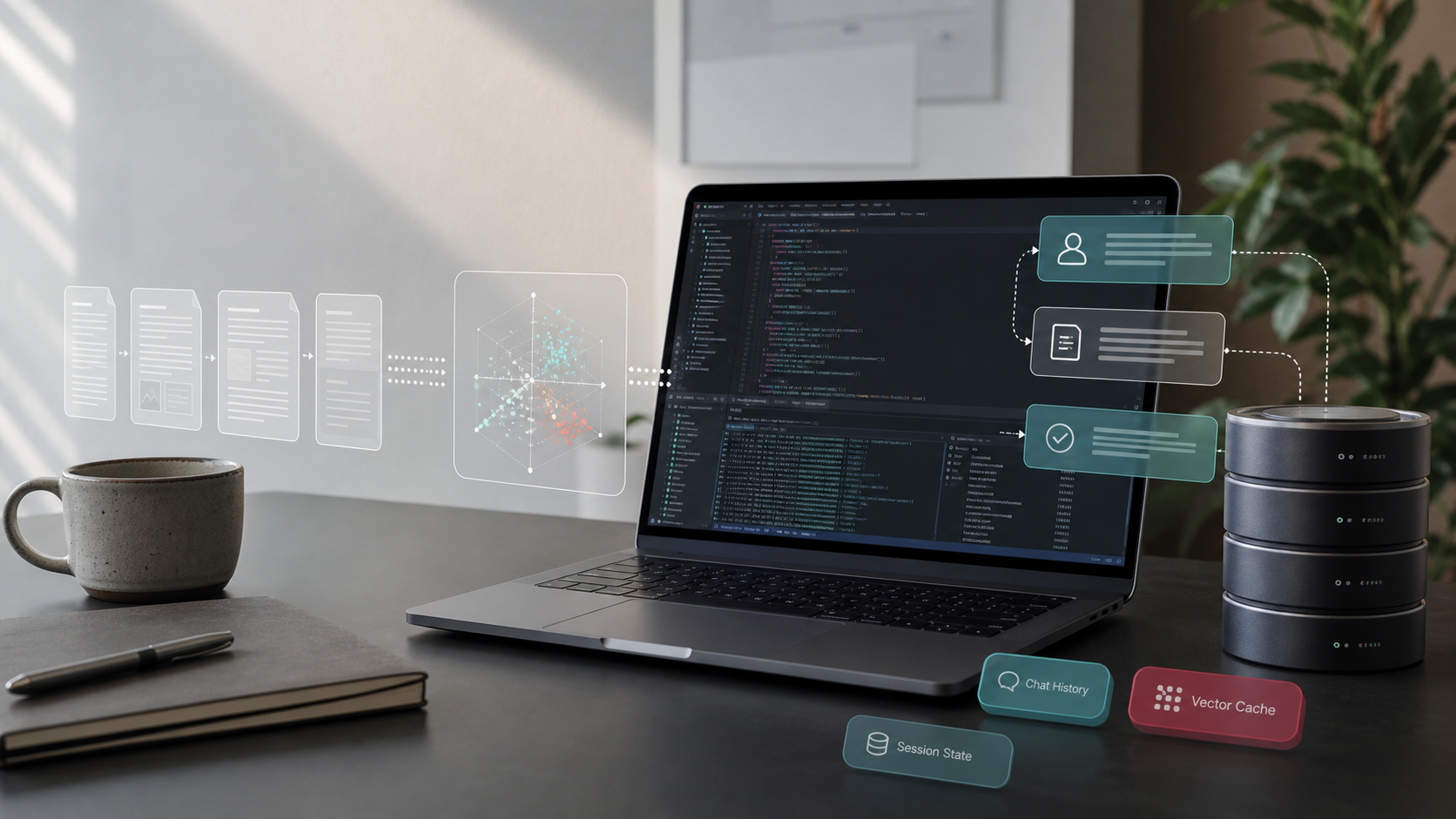
The langchain-oracledb package makes it easy to integrate LangChain concepts with your Oracle AI Database instance.
In this article, we’ll explore the langchain_retrieval sample, using langchain-oracledb for content retrieval. The sample composes various langchain-oracledb classes, including to load, split, save, and retrieve content. This post is a companion article to my prior post, LangGraph persistence with Oracle AI Database.

These are the langchain-oracledb classes we’re going to use:
# langchain-oracledb imports
from langchain_oracledb.cache import OracleSemanticCache
from langchain_oracledb.chat_message_histories import OracleChatMessageHistory
from langchain_oracledb.document_loaders import OracleDocLoader, OracleTextSplitter
from langchain_oracledb.retrievers import OracleTextSearchRetriever
from langchain_oracledb.vectorstores import DistanceStrategy, OracleVSThis sample uses Testcontainers with Oracle AI Database Free, and a local embedding model. If you want to jump to the code, start here: langchain_retrieval (GitHub)
Here’s what all the Oracle pieces look like together:

Create a vector store: load, split, and embed content
On startup, our sample populates a vector store with documents from a database table. It does this by chaining an OracleDocLoader to load documents, splitting those documents with OracleTextSplitter, and then storing them in a vector table with OracleVS. Let’s break this down, step-by-step.
load data
The OracleDocLoader class can be used to ingest documents from various sources. We’re going to use it to load documents from a database table, that’s populated at app startup:
loader = OracleDocLoader(
    conn=conn,
    params={
        "owner": conn.username,
        "tablename": SOURCE_TABLE,
        "colname": "BODY",
        "mdata_cols": ["RUNBOOK_ID", "TITLE", "PRODUCT"],
    },
)Using a database connection, the loader is provisioned with a table name and any relevant columns to load. From this information, it returns a list of LangChain Document objects that are usable in any LangChain workflow.
split text
OracleTextSplitter is handy to break documents into chunks for embedding. Using a few parameters, we can split the document by words, sentence, with a max size per chunk.
splitter = OracleTextSplitter(
conn=conn,
params={"by": "words", "max": 30, "split": "sentence", "normalize": "all"},
)
ids = [str(document.metadata["runbook_id"]) for document in source_documents]save and embed
With our loaded and split content, it’s time to save them into a vector store. The OracleVS class provides a nifty interface to do this for us, without much code:
embedding_model = embeddings or AllMiniLMEmbeddings()
return OracleVS(
conn,
embedding_model,
table_name=VECTOR_TABLE,
distance_strategy=DistanceStrategy.COSINE,
mutate_on_duplicate=True,
)Note that you should provide an embedding model when creating an OracleVS object. We’re using the popular local AllMiniLMEmbeddings model, which you can find on HuggingFace. We also supply a table name, a vector distance strategy, and an update policy.
putting it all together
We now have all the pieces of an ingestion pipeline, using LangChain interfaces! Let’s see what it looks like, in one piece: load documents, split, and embed into OracleVS.
def load_source_documents(conn: oracledb.Connection) -> list[Document]:
loader = OracleDocLoader(
    conn=conn,
    params={
        "owner": conn.username,
        "tablename": SOURCE_TABLE,
        "colname": "BODY",
        "mdata_cols": ["RUNBOOK_ID", "TITLE", "PRODUCT"],
    },
)
return [_normalize_document(document) for document in loader.load()]
def build_vector_store(
conn: oracledb.Connection,
source_documents: list[Document],
embeddings: Embeddings | None = None,
) -> tuple[OracleVS, list[str]]:
vector_store = create_vector_store(conn, embeddings)
chunk_ids = add_documents_to_vector_store(conn, vector_store, source_documents)
return vector_store, chunk_ids
def create_vector_store(
conn: oracledb.Connection,
embeddings: Embeddings | None = None,
) -> OracleVS:
embedding_model = embeddings or AllMiniLMEmbeddings()
return OracleVS(
conn,
embedding_model,
table_name=VECTOR_TABLE,
distance_strategy=DistanceStrategy.COSINE,
mutate_on_duplicate=True,
)
def add_documents_to_vector_store(
conn: oracledb.Connection,
vector_store: OracleVS,
source_documents: list[Document],
) -> list[str]:
splitter = OracleTextSplitter(
    conn=conn,
    params={"by": "words", "max": 30, "split": "sentence", "normalize": "all"},
)
ids = [str(document.metadata["runbook_id"]) for document in source_documents]
return vector_store.add_documents(
source_documents,
text_splitter=splitter,
ids=ids,
add_chunk_metadata=True,
)The great thing about LangChain is that this is fairly compact. If I were to write this code without the library classes, it’d be several hundred lines of Python!
Now, let’s try retrieval and question answering
Retrieval is where things get a bit more interesting. langchain-oracledb offers a few nice helpers in this area:
OracleVSfor semantic searchOracleSemanticCacheto cache embeddings/answersOracleTextSearchRetrieverfor full-text search (complements semantic search)- and,
OracleChatMessageHistoryto work with chat histories.
Let’s see how these fit together.
semantic search
OracleVS, which helped us store embeddings, of course also allows us to retrieve them. This is quite easy using the Python interface:
def semantic_search(
    vector_store: OracleVS,
    question: str,
    *,
    product_filter: str | None = None,
    k: int = 4,
) -> list[RunbookHit]:
    metadata_filter = {"product": {"$eq": product_filter}} if product_filter else None
    documents_with_scores = vector_store.similarity_search_with_score(
        question,
        k=k,
        filter=metadata_filter,
    )
    return [
        _document_hit(document, score, "semantic", rank)
        for rank, (document, score) in enumerate(documents_with_scores, start=1)
]We use an optional metadata filter to further refine our results, and return the nearest K results to the input question. Note that the input question is embedded using the same embedding model we initialized the vector store with.
keyword search
We can supplement semantic search with text search using OracleTextSearchRetriever, which returns a separate score. This is done using text operators in the database to find relevant content:
def keyword_search(vector_store: OracleVS, question: str, k: int = 4) -> list[RunbookHit]:
    retriever = OracleTextSearchRetriever(
        vector_store=vector_store,
        k=k,
        return_scores=True,
    )
    return [
        _document_hit(document, float(document.metadata.get("score", 0)), "keyword", rank)
        for rank, document in enumerate(retriever.invoke(question), start=1)
    ]
fusing results
Taking results from both similarity and full-text search, we can accumulate them into one result set. It’s important to note which result came from which search method, as this helps the consumer determine relevancy:
def fuse_hits(semantic_hits: list[RunbookHit], keyword_hits: list[RunbookHit]) -> RunbookHit:
    if not semantic_hits and not keyword_hits:
        raise RuntimeError("No runbook matched the question.")

    by_runbook: dict[int, RankAccumulator] = {}
    for hit in [*semantic_hits, *keyword_hits]:
        accumulator = by_runbook.setdefault(hit.runbook_id, RankAccumulator(hit))
        accumulator.score += 1.0 / (hit.rank + 1)

return max(by_runbook.values(), key=lambda entry: entry.score).hitPutting retrieval together to answer a question
We now have all the components needed to scaffold a basic question answering function. Our answer_question method combines OracleVS semantic search, OracleTextSearchRetriever full-text search, and OracleSemanticCache for answer caching:
def answer_question(
    conn: oracledb.Connection,
    vector_store: OracleVS,
    question: str,
    *,
    embeddings: Embeddings | None = None,
    product_filter: str | None = None,
) -> QuestionResult:
    embedding_model = embeddings or AllMiniLMEmbeddings()
    cache = OracleSemanticCache(
        conn,
        embedding_model,
        table_name=CACHE_TABLE,
        score_threshold=0.001,
    )
    cached_generations = cache.lookup(question, LLM_CACHE_KEY) or []
    cache_hit = bool(cached_generations)

    semantic_hits = semantic_search(vector_store, question, product_filter=product_filter)
    keyword_hits = keyword_search(vector_store, question)
    fused_hit = fuse_hits(semantic_hits, keyword_hits)

    answer = cached_generations[0].text if cached_generations else build_answer(question, fused_hit)
    if not cached_generations:
        cache.update(question, LLM_CACHE_KEY, [Generation(text=answer)])

    history = OracleChatMessageHistory(
        SESSION_ID,
        client=conn,
        table_name=HISTORY_TABLE,
    )
    if not cache_hit:
        history.add_messages([HumanMessage(content=question), AIMessage(content=answer)])

    return QuestionResult(
        question=question,
        answer=answer,
        cache_hit=cache_hit,
        semantic_hits=semantic_hits,
        keyword_hits=keyword_hits,
        fused_hit=fused_hit,
        history_count=len(history.messages),
)Time to take the sample for a spin
Let’s run it locally. You’ll need the following prerequisites, as the example spins up a disposable Oracle AI Database Free container:
- Python 3.13+
- Poetry
- Docker compatible environment
From python-oracle/ directory, Install dependencies:
poetry installThen run the sample:
poetry run python src/python_oracle/langchain_retrieval/runbook_retrieval.pyThe script starts the full Oracle AI Database Free image, expected output is similar to:
#### Loaded runbooks into Oracle AI Database ####
Source runbooks: 4
Vector chunks:   12

#### Retrieval ####
Question:      My VPN disconnects every few minutes on Wi-Fi, but it stays connected on Ethernet. What should I try?
Semantic top:  Stabilize VPN over Wi-Fi
Keyword top:   Stabilize VPN over Wi-Fi
Fused top:     Stabilize VPN over Wi-Fi

#### Response Persistence ####
For: My VPN disconnects every few minutes on Wi-Fi, but it stays connected on Ethernet. What should I try?
Use runbook: Stabilize VPN over Wi-Fi.
Why: it matches the network product area and says to Use this runbook when a VPN client disconnects every few minutes on Wi-Fi but stays connected on Ethernet.

Chat history messages: 2
Second lookup used OracleSemanticCache: TrueThe chunk count may vary if Oracle AI Database chunking behavior changes, but it should be greater than the four source runbooks.
Leave a Reply