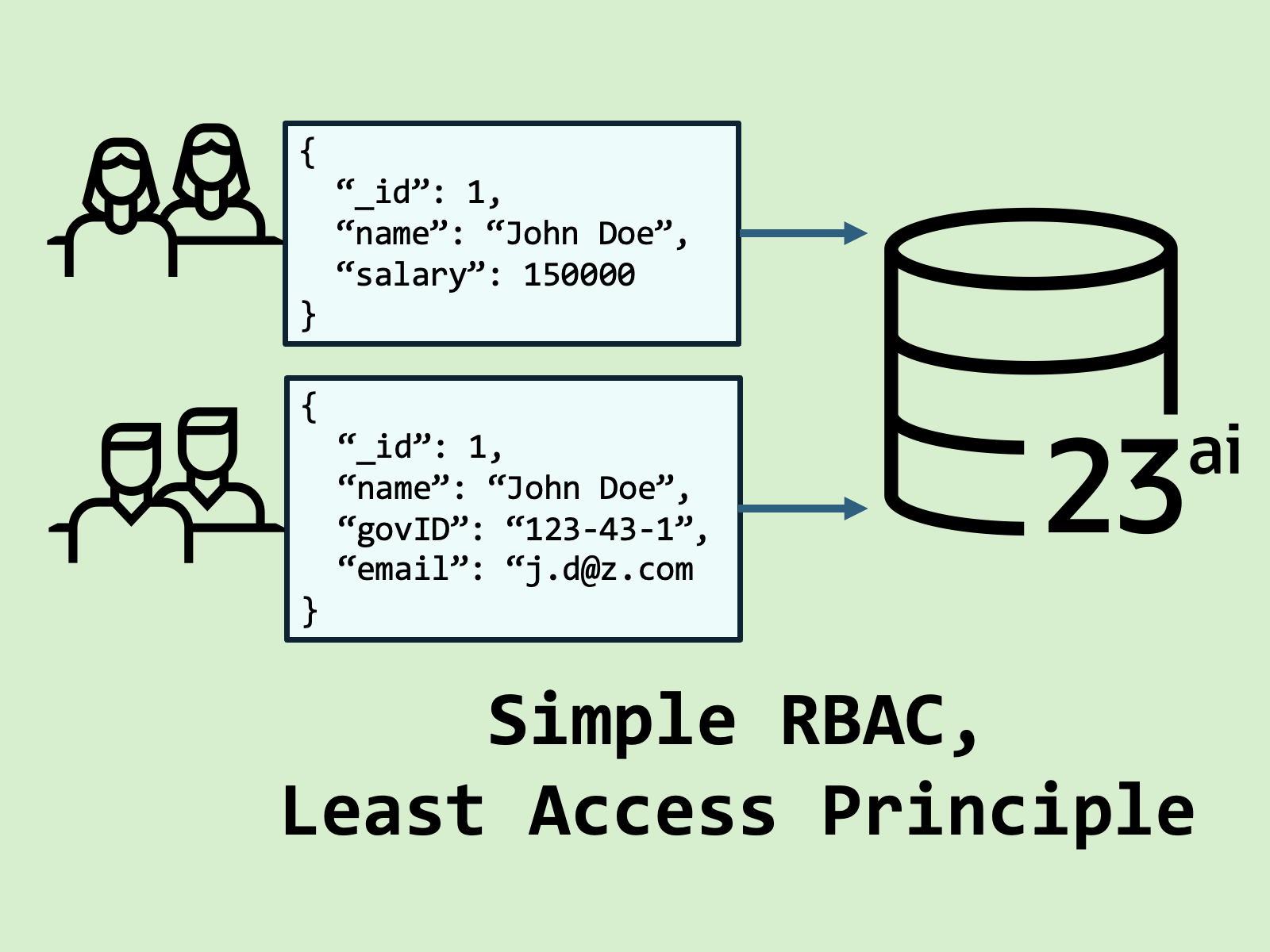
Why should we care about column-level access to database fields? The principle of least access. Given a database schema, users or apps of that schema must access only the data they need, and nothing more.
In this article, we’ll implement column-level Role-Based Access Control (RBAC) using JSON Relational Duality Views, including read-write permissions. To follow along, you’ll need access to an Oracle Database instance – I recommend Oracle Database Free.
Understanding column-level access with a use case
Suppose we have an HR app with an employees table – Some employee data like department are generic, but other data like email and gov_id fall in the category of Personally Identifiable Information (PII).
CREATE TABLE employees (
  id           NUMBER GENERATED ALWAYS AS IDENTITY PRIMARY KEY,
  name         VARCHAR2(100),
  email        VARCHAR2(100),
  department   VARCHAR2(50),
  salary       NUMBER,
  gov_id       VARCHAR2(11)
);Given the restrictions around PII, it’s necessary to have column-level access to the employee table:
- HR admins need full access to all columns.
- Department managers should see names, emails, and departments, but not salaries or government IDs.
Strategies for implementing column-level RBAC
There are a number of ways to implement column-level RBAC, depending on your database vendor and technology stack. These strategies usually fall into the following categories:
- Vendor-specific: Data removed or obscured using database features. Typically done using views, Virtual Private Databases, or other security-related features.
- Application level data filtering by user roles, using something like a JWT for role-based mapping. Usually, this is a bit harder to implement, enforce, and audit at the database level. A bug in application-layer code can result in leaking sensitive data to an unauthorized user.
- Hybrid or niche strategies: these are often quite complex to implement, but offer a wide range of solutions and flexibility.
Simple Column-Level RBAC with JSON Relational Duality Views
JSON Relational Duality Views blend of relational and document data models, enabling developers to work with JSON documents backed by normalized relational tables, without the limitations of traditional ORMs or document stores.
In the duality view model, relational data is sent to the database as one JSON document, and the database server handles splitting that data into its corresponding tables. Duality views also allow us to specify which columns are included in a single JSON document, easily enabling column-level access to multiple database tables.
Let’s create a simple relational schema for an HR app, including employees and their performance reviews.
-- create two user schemas. We'll use these to simply identify different personas.
create user hr identified by myExamplePWD12345;
grant unlimited tablespace to hr;
grant connect, resource to hr;

create user manager identified by anotherExamplePWD67890;
grant unlimited tablespace to manager;
grant connect, resource to manager;

CREATE TABLE hr.employees (
  id           NUMBER GENERATED ALWAYS AS IDENTITY PRIMARY KEY,
  name         VARCHAR2(100),
  email        VARCHAR2(100),
  department   VARCHAR2(50),
  salary       NUMBER,
  gov_id       VARCHAR2(11)
);

CREATE TABLE hr.reviews (
    review_id       NUMBER GENERATED ALWAYS AS IDENTITY PRIMARY KEY,
    employee_id     NUMBER NOT NULL,
    score           NUMBER(1) CHECK (score BETWEEN 1 AND 5),
    comments        VARCHAR2(1000),
    CONSTRAINT fk_employee_review FOREIGN KEY (employee_id)
        REFERENCES hr.employees(id) ON DELETE CASCADE
);
Let’s also insert some dummy data for testing:
-- Insert 3 employees
INSERT INTO hr.employees (name, email, department, salary, gov_id) VALUES
  ('Alice Smith',  'alice.smith@email.com', 'Finance',    150000, '123-45-6789'),
  ('Bob Johnson',  'bob.johnson@email.com', 'IT',         136000, '234-56-7890'),
  ('Carol Evans',  'carol.evans@email.com', 'HR',         250000, '345-67-8901');

-- Insert 3 reviews
-- Employee IDs are auto-incremented and start from 1
INSERT INTO hr.reviews (employee_id, score, comments) VALUES
  (1, 4, 'Consistently meets expectations and shows strong teamwork.'),
  (2, 5, 'Outstanding technical skills and problem-solving abilities.'),
(3, 3, 'Reliable but could improve initiative.');HR Admin Duality View
Let’s create the HR Admin JSON Relational Duality View, which has access to all fields in the schema except an employee’s individual performance review comments. I’m using the GraphQL syntax here to define the view, but you could also use the standard SQL syntax, as both are valid.
CREATE OR REPLACE FORCE EDITIONABLE JSON RELATIONAL DUALITY VIEW hr.employee_admin
 AS
hr.employees {
    _id : id
    name
    email
    department
    salary
    govId : gov_id
    hr.reviews {
        reviewId : review_id
        -- comments is omitted, and will not be present in the view
        score
    }
};We can query a record from view as a JSON document, like so:
select json_serialize(e.data pretty) as employees
from hr.employee_admin e
where e.data."_id" = 1;{
"_id" : 1,
"_metadata" :
{
"etag" : "0C327C3A466F14412D890EEE36C0BB37",
"asof" : "000023C4E5F591F1"
},
"name" : "Alice Smith",
"email" : "alice.smith@email.com",
"department" : "Finance",
"salary" : 150000,
"govId" : "123-45-6789",
"reviews" :
[
{
"reviewId" : 1,
"score" : 4
}
]
}Note the _metadata field in the JSON document. This is used for lock-free concurrency control, and is managed by the database.
Department Manager Duality View
Let’s create another view for department managers, and grant it to a different user. Department managers can view all employee data except their salary and government ID, and they can also insert and update employee reviews.
CREATE OR REPLACE FORCE EDITIONABLE JSON RELATIONAL DUALITY VIEW hr.employee_manager
 AS
hr.employees {
    _id : id
    name
    email
    department
    -- the @insert @update and @delete directives allow the view
    -- to fully modify hr.reviews data
    hr.reviews @insert @update @delete {
        reviewId : review_id
        score
        comments
    }
};
-- we also grant the manager user read/write access to the hr.employee_manager duality view
grant select, insert, update, delete on hr.employee_manager to manager;
Note how the fields in the JSON document are different depending on the view used. We now have column-level RBAC with just a few SQL statements.
select json_serialize(e.data pretty) as employees
from hr.employee_manager e
where e.data."_id" = 1;{
"_id" : 1,
"_metadata" :
{
"etag" : "E20711A4A12C3326658F7B0C1AC141AE",
"asof" : "000023C4E5F88B18"
},
"name" : "Alice Smith",
"email" : "alice.smith@email.com",
"department" : "Finance",
"reviews" :
[
{
"reviewId" : 1,
"score" : 4,
"comments" : "Consistently meets expectations and shows strong teamwork."
}
]
}Going further: row-level views?
What if we want to add row-level constraints to our duality views? For example, a duality view for IT department managers that only includes “IT” employees or a view for managers that only included their direct reports?
This is possible through filter constraints in the view, and I’ll cover this topic in a future blog post. For now I suggest reviewing the JSON Relational Duality View developers guide until a detailed blog post is available.
References
Questions? Leave a comment or connect on LinkedIn. I’m always happy to chat about database use cases!
Leave a Reply