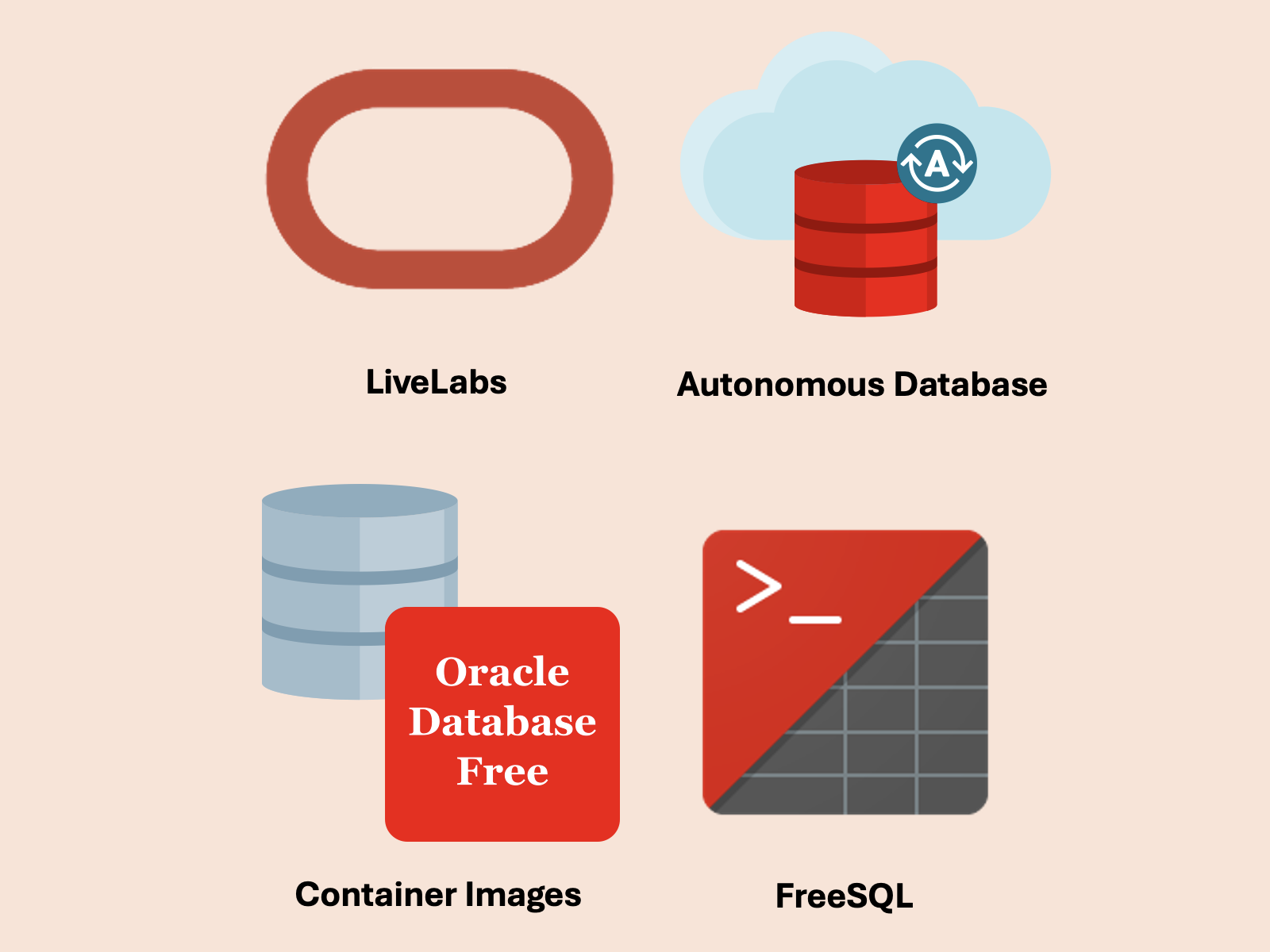
Wait — Oracle? For devs? Yeah. Let me show you.
docker pull gvenzl/oracle-free:23.26.0-slim-faststart
Oracle now gives you a modern, free-to-try database with some surprisingly cool features:
- 🧠 Smart SQL & PL/SQL — Build logic right in the database if that’s your jam.
- 🧰 Multi-model — JSON, spatial, graph, events, relational, even vector search, all in one engine.
- 🚀 Scalable — Handles toy apps to giant systems, but still runs fine in a container.
- 🤖 Autonomous mode — Let the DB handle tuning, patching, backups, and scaling.
You don’t need to be a DBA. You don’t need a license key. You just spin it up and go.
In this article, we’ll explore the different ways you can use Oracle AI Database Free, for learning, experimenting, and everyday development tasks.
Just want to get started and skip the article? Test the waters in your browser with FreeSQL for zero cost.
🐳 Oracle AI Database Free in Docker (Yes, Really)
- No license keys
- No 10-step install
- Just an accessible database instance
The Oracle AI Database Free container is my favorite way to run Oracle AI Database. I use it every day, and it just works.
To run the container image, you’ll need a docker-compatible environment with around 8GB of memory and at least 1 CPU. The container image uses around 5 GB of disk space, but starts up in seconds with no additional configuration after your initial download:
docker pull gvenzl/oracle-free:23.26.0-slim-faststart
% docker imagesREPOSITORY TAG IMAGE ID CREATED SIZEgvenzl/oracle-free 23.26.0-slim-faststart d0cace20ac87 2 weeks ago 4.61GB
Next, start the container. It’ll be available for connections on localhost:1521 with the FREEPDB1 pluggable database ready to use:
docker run --name oracledb -d -p 1521:1521 \
  -e ORACLE_PASSWORD=syspassword \
  -e APP_USER=testuser \
  -e APP_USER_PASSWORD=testpwd \
gvenzl/oracle-free:23.26.0-slim-faststartLike docker compose? You can also use my compose script to spin up a container using init scripts with docker compose up -d.
Oracle Autonomous Database Always-Free Tier
You get two free Oracle AI Database instances on the Oracle Cloud Infrastructure (OCI) Always-Free tier. All it takes is signing up for an OCI account. OCI also includes in a 1-month trial credit so you can explore other cloud services.
If you want a step-by-step on how to use the Autonomous Database for free in the cloud, I’ve got you covered here: Try Oracle AI Database for free in the cloud with OCI.
Autonomous Database Free Locally?
You can also run Autonomous Database in Docker (adb-free). The image includes a database instance, and an Oracle REST Data Services (ORDS) server complete with APEX, MongoDB API, SQL Developer, REST APIs, and more.
For more details, read my story Run Oracle REST Data Services (ORDS) locally with Oracle AI Database Free.
Oracle Autonomous Database for Developers
When you hit the two database limit for OCI’s Always-Free tier, reach for Oracle Autonomous Database for Developers. While not completely free, these low-cost instances only run $30/month for 4 ECPUs on a license included database.
To get started, just toggle the “Developer” slider when creating a new Autonomous Database instance. It’s that easy.

FreeSQL
Instant access to Oracle AI Database right from your browser? That’s exactly what FreeSQL offers. You can even use FreeSQL as a remote database for testing. All it requires is signing in to FreeSQL with your free Oracle account.

On FreeSQL, you’ll also find community and Oracle-created guides, test scripts/schemas, and the ability to share your own creations others.
When would you want to use FreeSQL over a dedicated database instance?
- You’re learning Oracle AI Database and are using FreeSQL-based guides
- You need to quickly test or try out SQL scripts
- You want to share SQL scripts with your audience
Oracle LiveLabs
LiveLabs are workshops to learn Oracle technologies in a guided, hosted (and free!) environment. On livelabs.oracle.com, you can find workshops covering a wide variety of database features.
When you run a workshop in LiveLabs, the Oracle infrastructure is managed for you — given the instance connection information, you’ll navigate the workshop and learn about database features.
Here are a few labs I recommend to try out LiveLabs:
- Oracle AI Database 26ai New Features
- Build an AI Chatbot engine with Oracle AI Database 26ai and OCI Generative AI Services
- Getting Started With Oracle AI Database Transactional Event Queues (TxEventQ)

Install Oracle AI Database Free from binary installations
Oracle AI Database packages are available for x86_64, ARM, Windows, Mac (via container image), and VirtualBox platforms.
If you’re using Oracle Linux, just dnf install the Oracle AI Database RPM:
dnf install -y oracle-database-preinstall*
Great free tools to use with Oracle AI Database
- Testcontainers: powerful testing library that works with Oracle AI Database Free containers. I have guides for Java, Python, Golang, and Typescript/NodeJS
- Great Free Software from Oracle (GeraldOnIT)
- Oracle AI Database Metrics Exporter: collect metrics from your database
- Oracle REST Data Services: a free standalone server that adds REST APIs, APEX, SQL Worksheet, and more to your Oracle AI Database instance.
- AI Optimizer & Toolkit: explore Oracle’s AI features in a sandbox environment for developers.
I hope these resources help you access Oracle AI Database more easily, whether you’re a new developer, skeptical of Oracle, or veteran DBA. If you have questions or comments, feel free to reach out to me on LinkedIn.
Leave a Reply