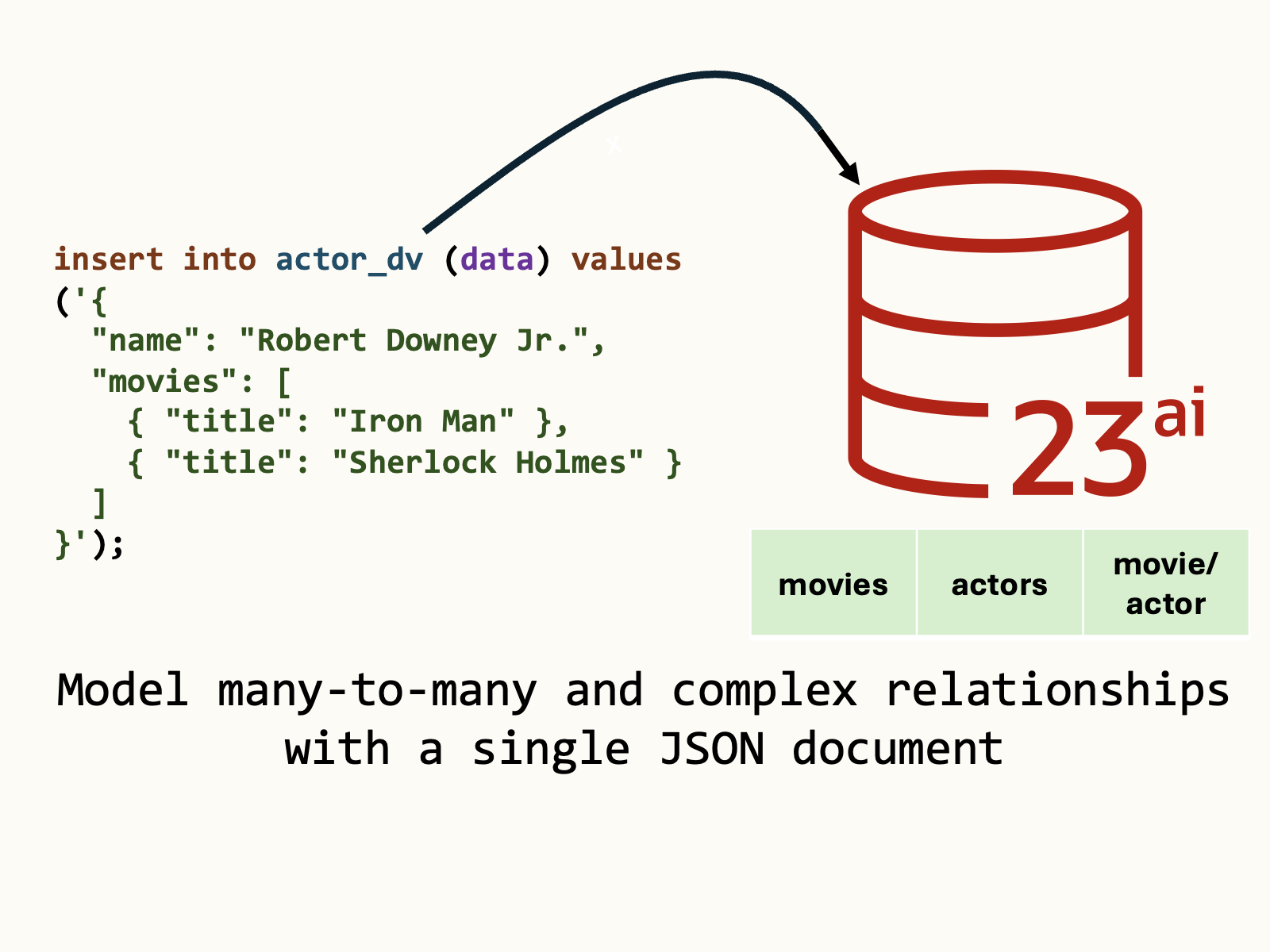
Oracle Database JSON Relational Duality Views are a powerful tool that combines the functionality of document databases and relational schemas. With duality views, you model data in normalized tables, and access it as clean, composable JSON documents: perfect for REST APIs, SQL queries, or even wire-compatible MongoDB access.
In this article, we’ll explore data modelling of many-to-many relationships with JSON Relational Duality Views.
One JSON document, multiple tables, multiple database records:
{
  "name": "Robert Downey Jr.",
  "movies": [
    { "title": "Iron Man" },
    { "title": "Sherlock Holmes" }
  ]
}Using duality views, relational data is clearly represented in simple documents. Take the prior JSON document, containing data about an actor and related movies: This document can be queried or inserted into your database with a single round-trip, and implicitly uses an underlying join table for the many-to-many relationship between actors and movies.
If you’d like to follow along with this article, I recommend using Oracle Database Free. Oracle Database 23ai in the Autonomous Database Always-Free tier of Oracle Cloud is a great place to start.
Movie-Actor schema
Let’s create the canonical movie-actor many-to-many relationship example. Each actor can be in multiple movies, and each movie can have multiple actors, joined by the movie_actor table.
-- Movies table
create table movies (
    id         number generated always as identity primary key,
    title      varchar2(200) not null
);

-- Actors table
create table actors (
    id        number generated always as identity primary key,
    name       varchar2(200) not null
);

-- Join table for the many-to-many relationship between actors and movies
create table movie_actors (
    movie_id   number not null,
    actor_id   number not null,
    primary key (movie_id, actor_id),
    constraint fk_movie
        foreign key (movie_id)
        references movies(id)
        on delete cascade,
    constraint fk_actor
        foreign key (actor_id)
        references actors(id)
        on delete cascade
);Note: When you define your schema, ensure the proper use of foreign key constraints on any join tables. Foreign key constraints allow the duality view processor within the database to understand the relationship through database metadata.
Duality View definition
We’ll use the GraphQL syntax for our duality view definition – I find it clean and expressive, though you can create an equivalent statement using the duality view SQL syntax.
The view includes references to the actors, movies, and movie_actors tables – but the movie_actors table will not be included in the resulting JSON document:
-- JSON Relational Duality View for actors and movies
create or replace force editionable json relational duality view actor_dv as actors @insert @update {
  _id : id
  name
  movies : movie_actors @insert [ {
    movies @unnest @insert @update {
      _id : id
      title
    }
  } ]
};Try it out
Using a JSON document and one insert statement, we create an actor with multiple related movies. The actor, movies, and join table records are all created in this one statement.
insert into actor_dv (data) values ('{
  "name": "Robert Downey Jr.",
  "movies": [
    { "title": "Iron Man" },
    { "title": "Sherlock Holmes" }
  ]
}');It’s interesting to note that this would require five insert statements if we directly targeted the tables: 1 for actors, 2 for movies, and 2 for movie_actors. Instead, we let the duality view processor in the database handle everything with just one insert.
Let’s query and pretty-print the JSON document, verifying the insert statement:
select json_serialize(a.data pretty) as actors
from actor_dv a;{
"_id" : 1,
"_metadata" :
{
"etag" : "CBB1B0632C39CB9E550E6AD5A6F53D62",
"asof" : "000023C501B98690"
},
"name" : "Robert Downey Jr.",
"movies" :
[
{
"_id" : 1,
"title" : "Sherlock Holmes"
},
{
"_id" : 2,
"title" : "Iron Man"
}
]
}We can do an update similarly. Note that the full document (excluding database-managed metadata) is required for updates. Let’s add a movie (Iron Man 2) to an existing actor:
update actor_dv a set data = '{
  "_id" : 1,
  "name" : "Robert Downey Jr.",
  "movies" :
  [
    {
      "_id" : 1,
      "title" : "Sherlock Holmes"
    },
    {
      "_id" : 2,
      "title" : "Iron Man"
    },
    {
      "title": "Iron Man 2"
    }
  ]
}' where a.data."_id" = 1;Like the insert, the movie and movie_actors rows are automatically created for us by the database server.
References
Questions? Leave a comment or connect on LinkedIn.
Leave a Reply